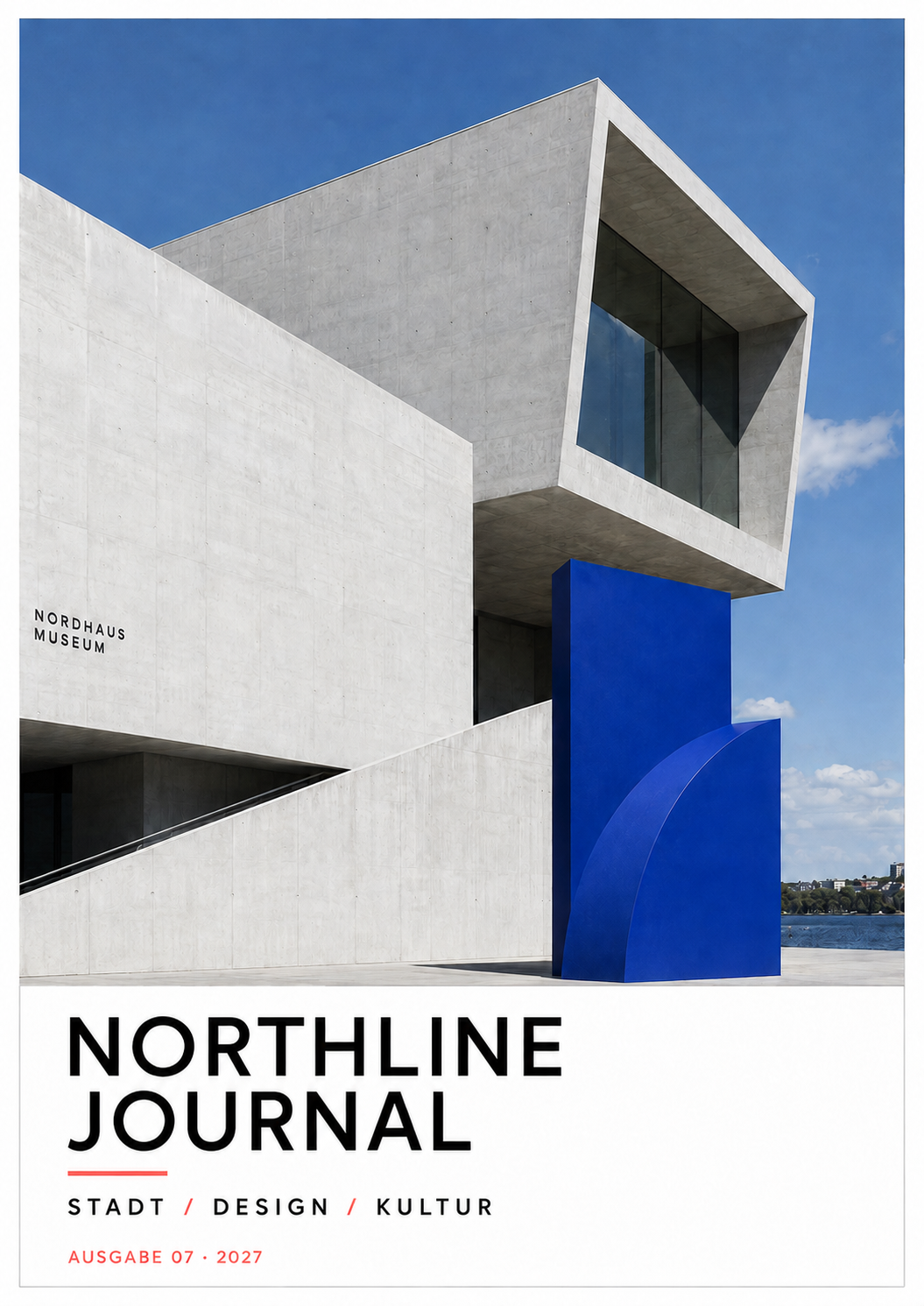
AI Publication Designer
Create complete magazines and brochures from your content with design directions, multipage composition, revisions, approval and editable IDML export.

Press Studio · AI for everyday production
AI Publication Designer creates multipage magazines and brochures for an editable handoff to InDesign. Sign up to use manuscripts, advertisements, proofreading and Publication Designer without a subscription.
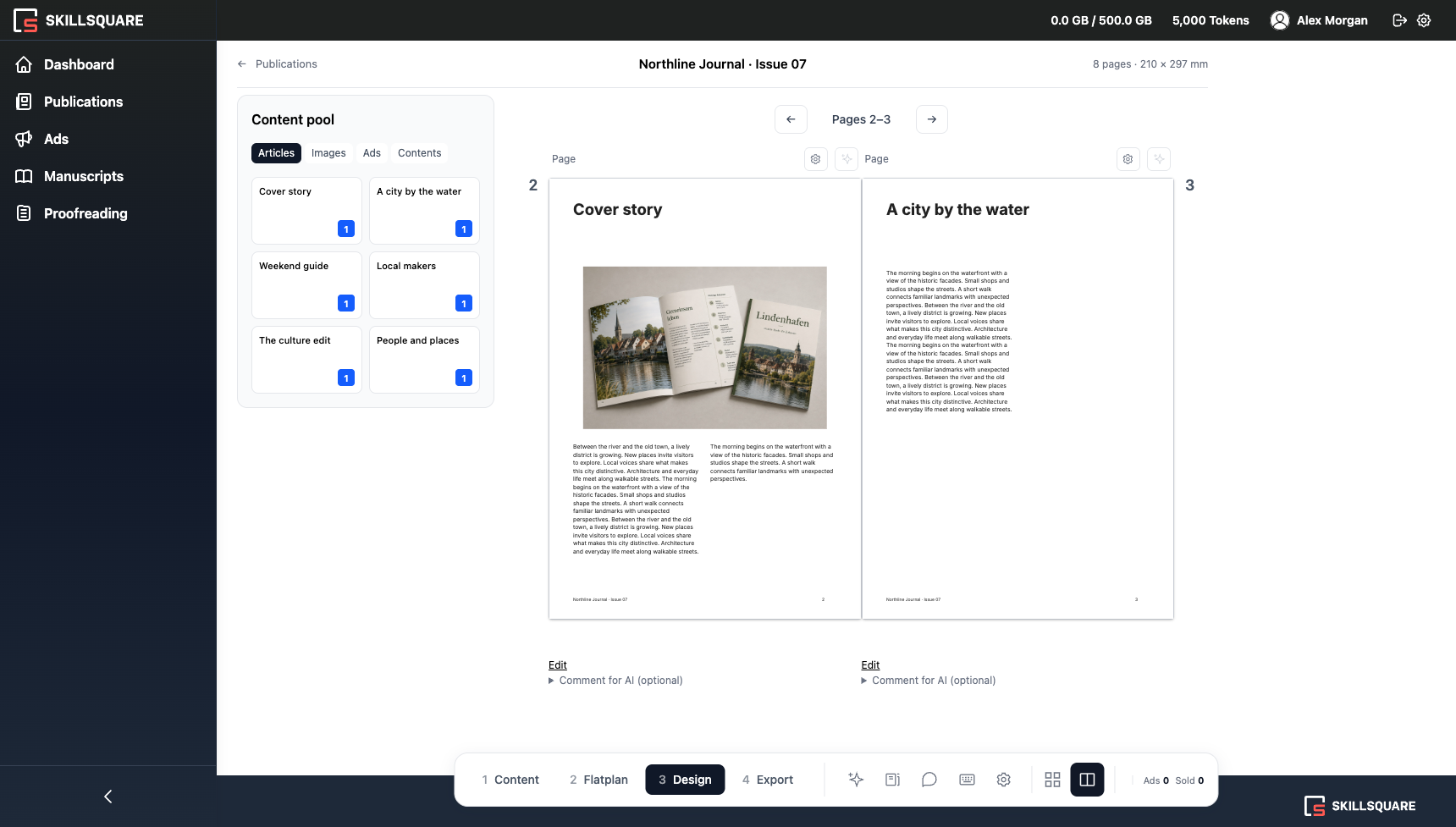
Multipage publications with AI
Editable IDML for InDesign
Revisions and editorial approval
Core modules available after signup
Modules
Start with the core modules after signup. We can scope custom capabilities and integrations for your production workflow.
Create complete magazines and brochures from your content with design directions, multipage composition, revisions, approval and editable IDML export.
Create advertisements, inserts, flyers, and promotional pages from supplied copy and artwork. Export the result as an editable layout.
Check complete publications for language issues, broken contact details, QR codes, page order, contents, and visual inconsistencies.
Extract and structure editorial content from finished or archived PDFs for a new edition, archive, or digital channel.
Prepare images and PDFs with bleed generation, upscaling, vectorization, color conversion, and saved output settings.
Connect templates, business data, approvals, and production systems where manual handoffs slow the job down.
AI Publication Designer
Turn supplied text and images into a coherent publication with a cover, contents, chapters and ad placements. Choose the design direction and stay in control of content, corrections and approval.
How it works
Add text and images, then organize pages, chapters and ad placements. Publication Designer also imports TXT and DOCX files.
For Publication Designer, choose a design direction or generate AI options from your brief. Configured workflows can use your templates, formats, bleed, color and PDF settings.
Compose pages, produce format versions or run publication checks. Revise the result and approve it with your team.
Publication Designer exports a review PDF and editable IDML with linked images. Your team finishes typesetting in InDesign and prepares the file for press.
Print layout
AI Print Designer turns a brief and supplied assets into a layout at the required size. Text, colors, layers, and links remain editable, so the result can move into the normal production process.
Document and prepress tools
Review entire PDF or Word publications and receive page-based findings that production teams can verify and resolve.
Editorial Converter
Recover useful editorial content from finished PDFs when clean source files are missing or a publication must be repurposed.
OCR and document hierarchy recovery
Optional removal of ads and non-editorial pages
Cleanup of running headers, artifacts, and split words
Structured Word export for editing and reuse
Prepress Studio
Fix common file and image problems before handoff.
Configuration
We configure the selected modules around existing templates, format lists, quality rules, and systems. Your production team can keep the tools and processes that already work.
InDesign templates, brand systems, format catalogs, PDF presets, and company-specific quality checks.
DAM, PIM, CMS, MIS, cloud storage, APIs, and structured data sources.
Batch variants, localization, approvals, exception handling, roles, and rollout support.

Case study
The MediaPrint project covered design, document processing, and prepress workflows adapted to the publisher’s existing formats and production requirements.
View the MediaPrint case studyPricing
Sign up for ongoing access to the core modules. AI actions use tokens. Custom development, integrations and support can be scoped separately.
Questions
No. Press Studio prepares work for InDesign and handles surrounding production tasks. Your team receives an editable IDML package and continues in InDesign.
Yes. Existing IDML layouts, linked assets, format rules, and PDF presets can form the basis of a configured workflow.
Publication Designer imports TXT/DOCX and uses PNG/JPEG images. Other file formats and existing templates are scoped for the relevant modules in the proposal.
Yes. The core modules are available to every signed-up user. Custom additions can be scoped separately.
Integration is scoped around your environment. This can include business data, asset systems, editorial platforms, storage, and production APIs.
The core modules do not require a subscription. AI actions use tokens; custom integrations and support are quoted separately.
A review PDF and an editable IDML package for InDesign with images and fonts. Review final typesetting in InDesign. PDF/X output and accessibility require separate production preparation.
Create publications with an editable InDesign handoff
Create multipage publications from text and images with Press Studio. Review design directions, revise layouts and export an editable IDML package for InDesign.
Review publication findings in their page context
Review publication findings by page with Press Studio. Configure editorial and production checks, inspect evidence and keep corrections under your team's control.
Prepare print assets with visible production settings
Configure prepress workflows for bleed, resolution, dimensions and output settings with Press Studio. Keep preparation steps visible for production review.
Plan pages and advertisements with your team for free. Use AI design and checking tools as your production needs grow.
Start with Press Studio
Get lasting access to manuscripts, advertisements, proofreading and Publication Designer. Plan publications with your team in the free flatplan designer.