
Step 1
Create a job with the right requirements
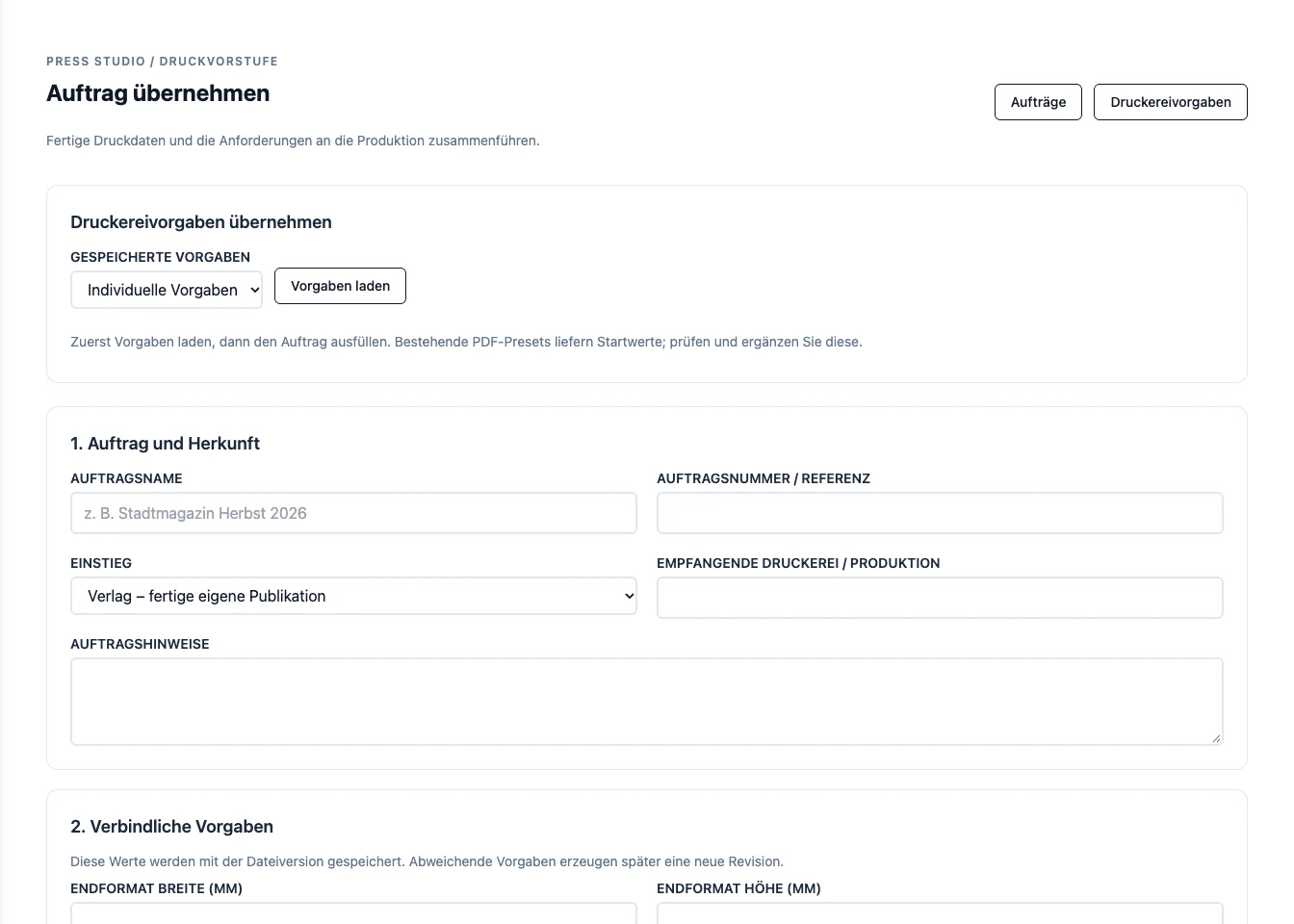
Open Druckvorstufe and choose Auftrag übernehmen. Load saved printer requirements with Vorgaben laden if you have them, then enter the job name and production details. Check the required format, bleed, colour, and resolution against the printer's specifications.
Step 2
Upload the finished PDF
Under Dateien übernehmen, upload the print PDF. You can also attach the printer's specification as a PDF. Click Auftrag anlegen und prüfen to create the job and start the inspection.
Step 3
Review the inspection before release
Open the job and review the findings and page previews. If the file needs a correction, work through it and inspect the new version. Check the pages visually as well as the inspection results before releasing the current version.
Try it with your own project
Review the inspection and the actual pages together. Release a version only when the file and the production requirements agree.
Create a Press Studio account