
Press Studio / Tutorials
What would you like to make?
Start with a small project. These guides show you where to click, what to add, and how to get a file you can use.
New to Press Studio? Start here.
Created a publication. What now?
Add your first article, put it on a page, and export a PDF. Follow one small publication from start to finish.
Make your first publication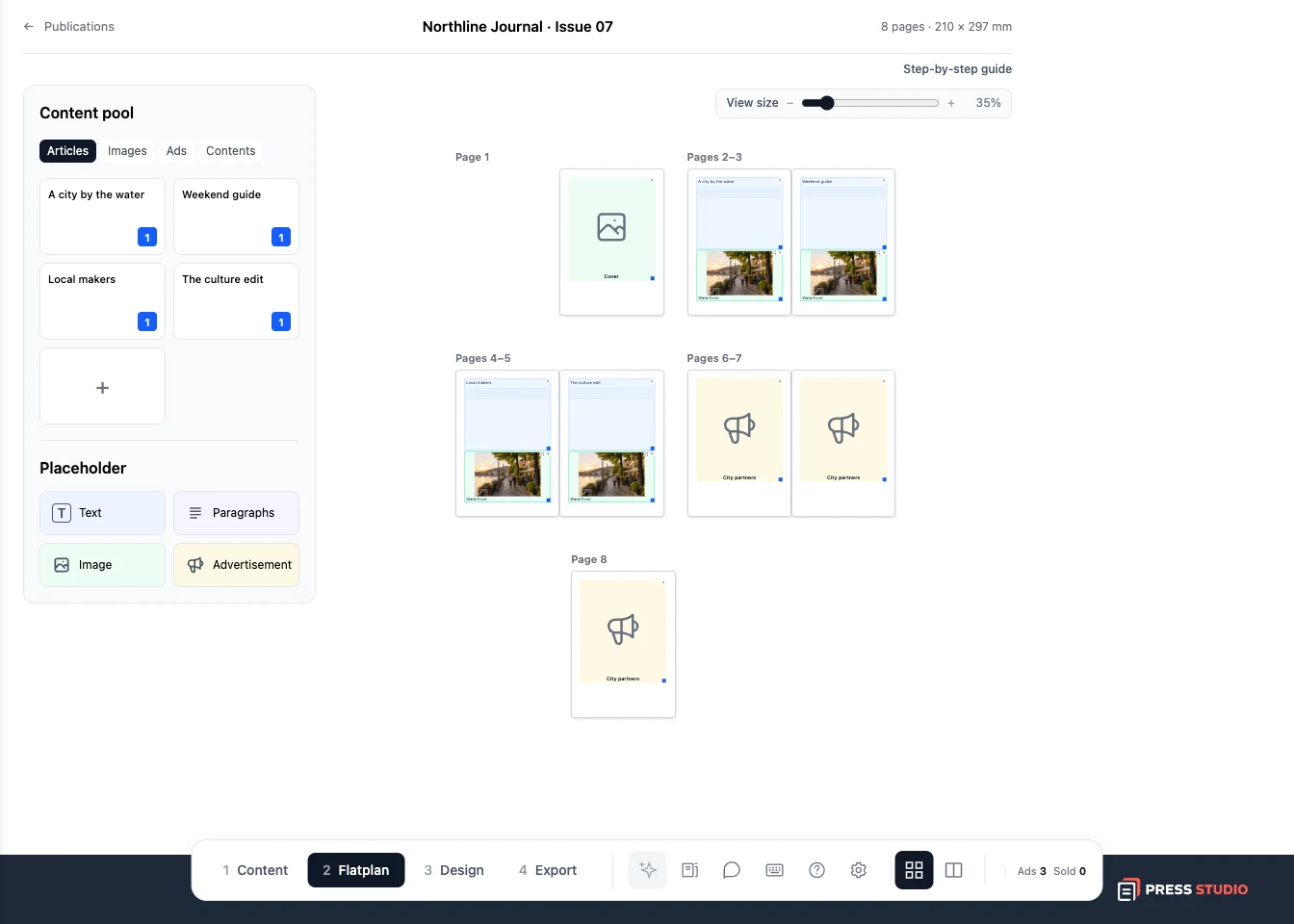
All tutorials
6 min read · 5 steps
Your first publication
Take a small magazine or brochure from an empty publication to your first PDF.
Read the guide
4 min read · 3 steps
Plan your pages with the flatplan
Arrange stories, images, and ads so you can see the whole issue before designing it.
Read the guide
4 min read · 3 steps
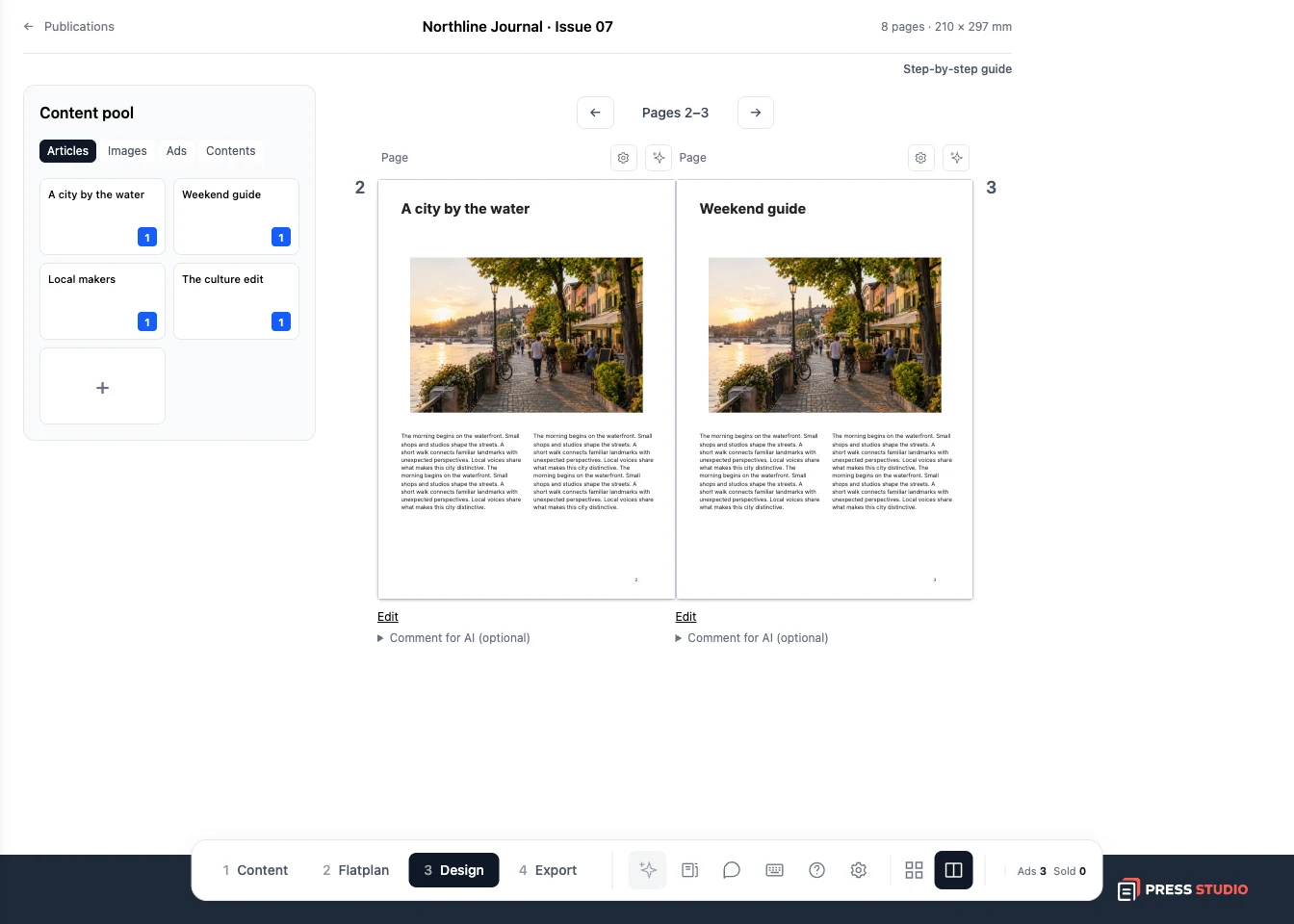
Turn your plan into designed pages
Generate a first layout, review a page, and make changes before exporting.
Read the guide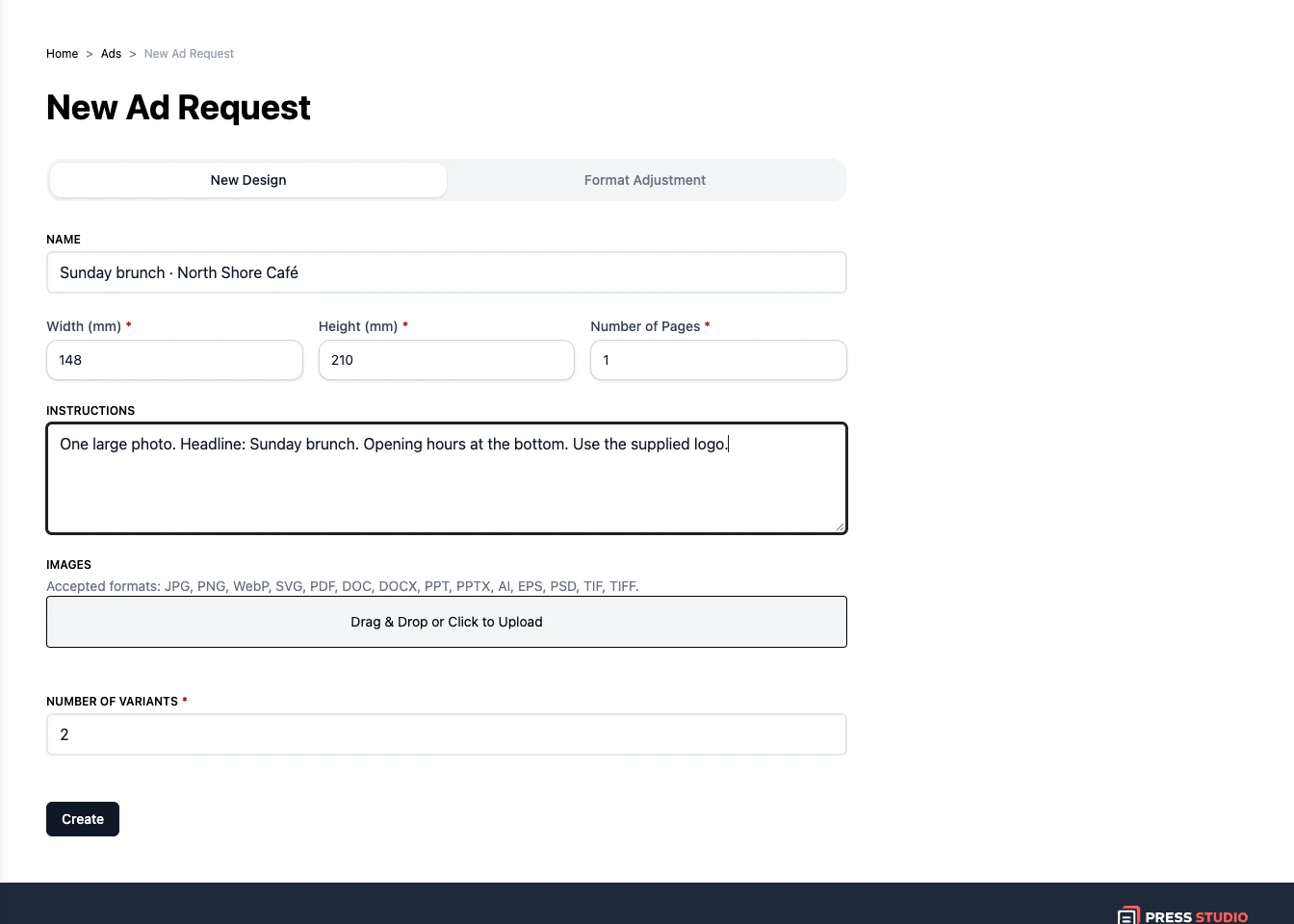
4 min read · 3 steps
Create an ad in Print Designer
Give the designer a clear brief, add your materials, and review the generated variants.
Read the guide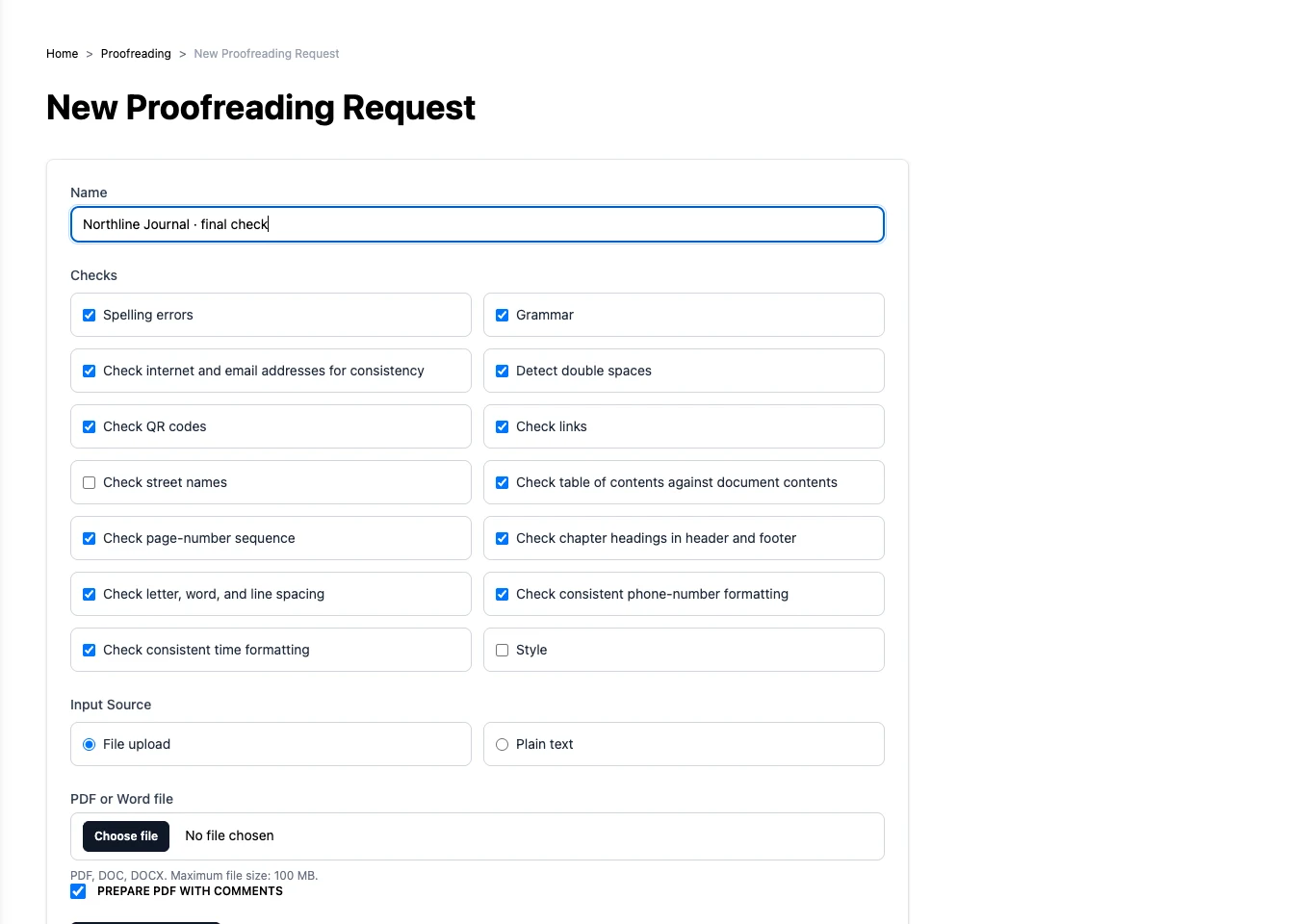
3 min read · 3 steps
Check a document with Publication QA
Run the checks you need and review findings by page or by check.
Read the guide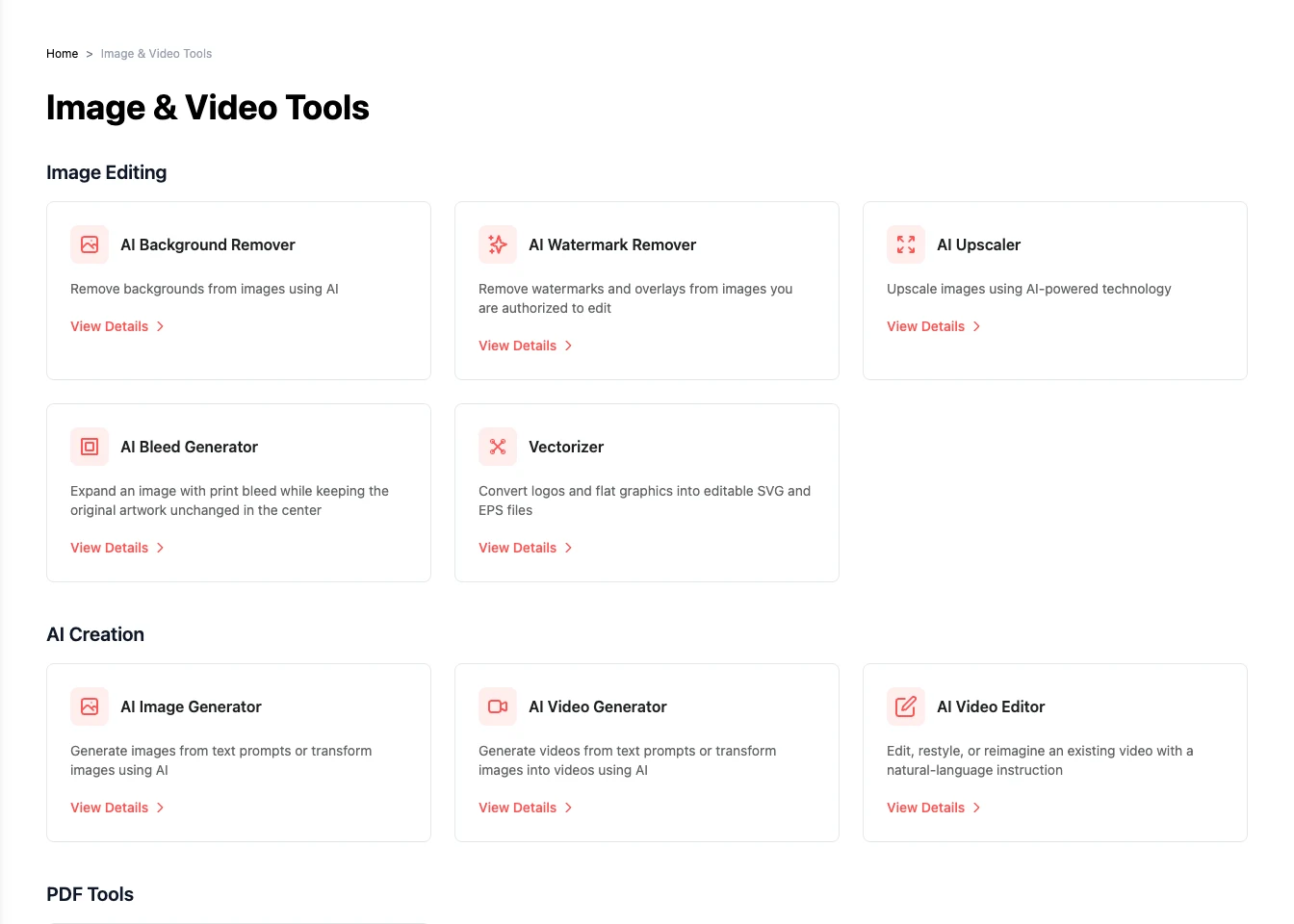
3 min read · 3 steps
Prepare images for your publication
Find the right image tool, process a file, and bring the result into your publication.
Read the guide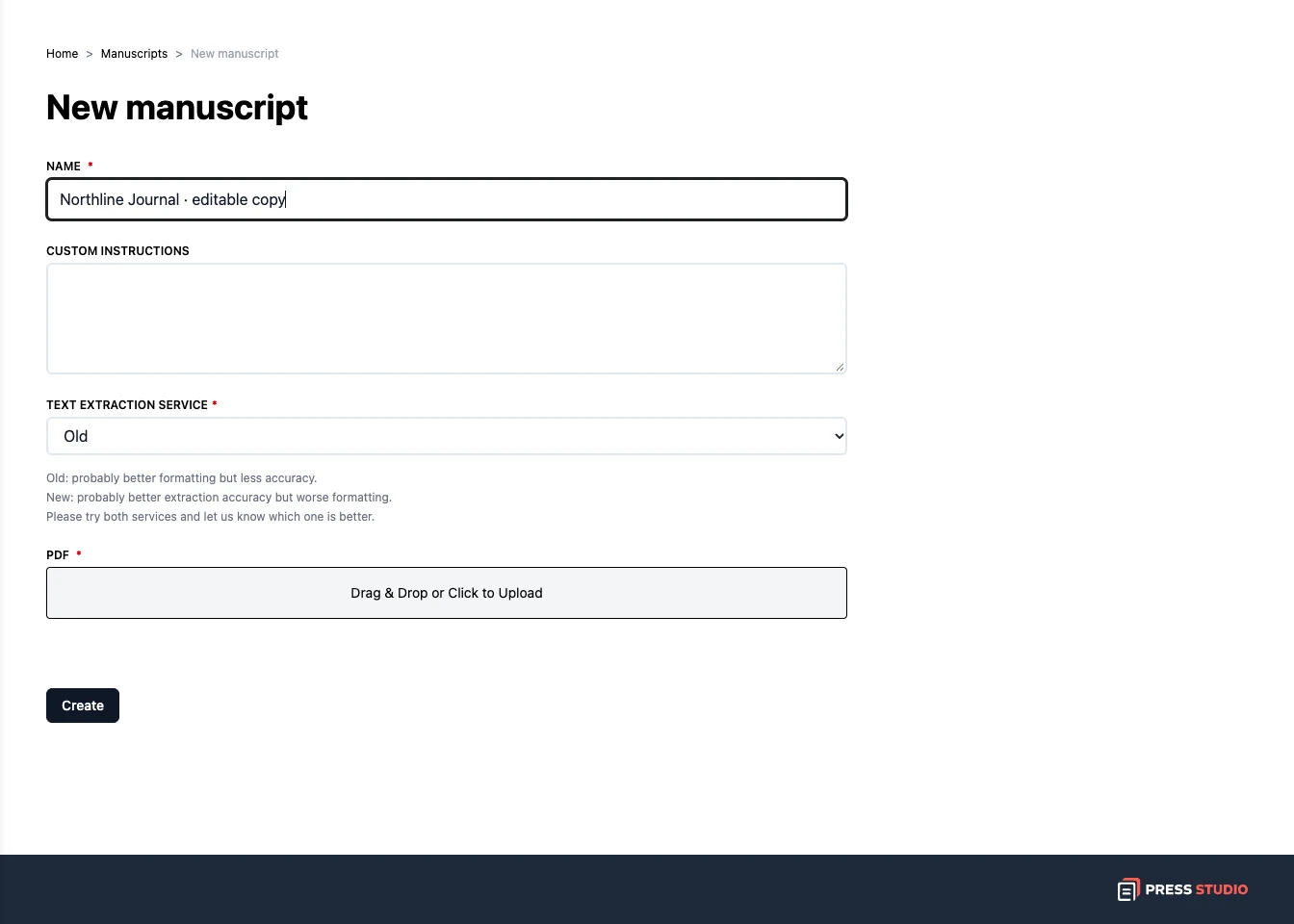
4 min read · 4 steps
Turn a PDF into an editable manuscript
Prepare a PDF, extract its text, and download a Word document to work on.
Read the guide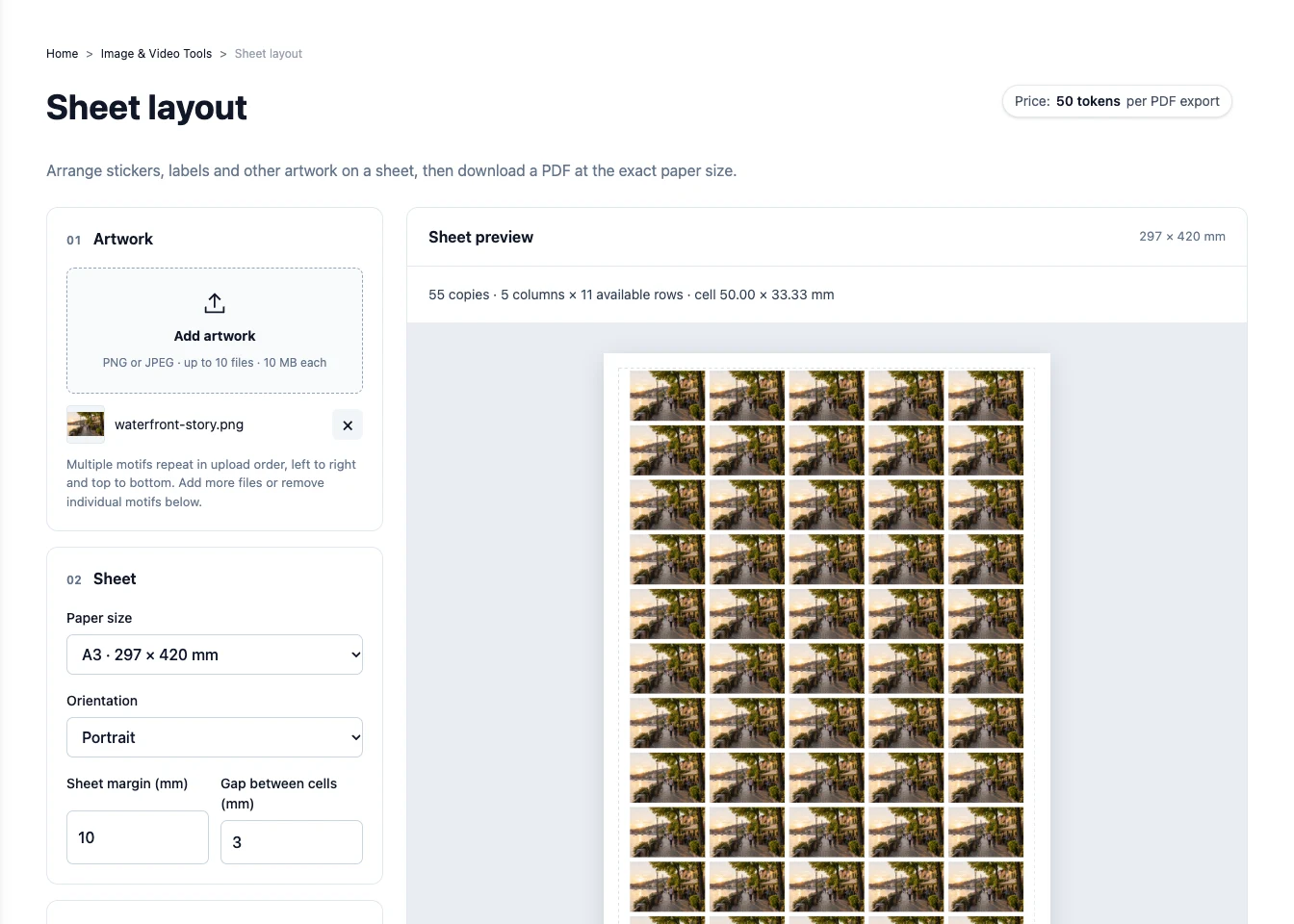
3 min read · 3 steps
Arrange labels or artwork on a sheet
Repeat artwork at the right size and download a PDF for printing.
Read the guide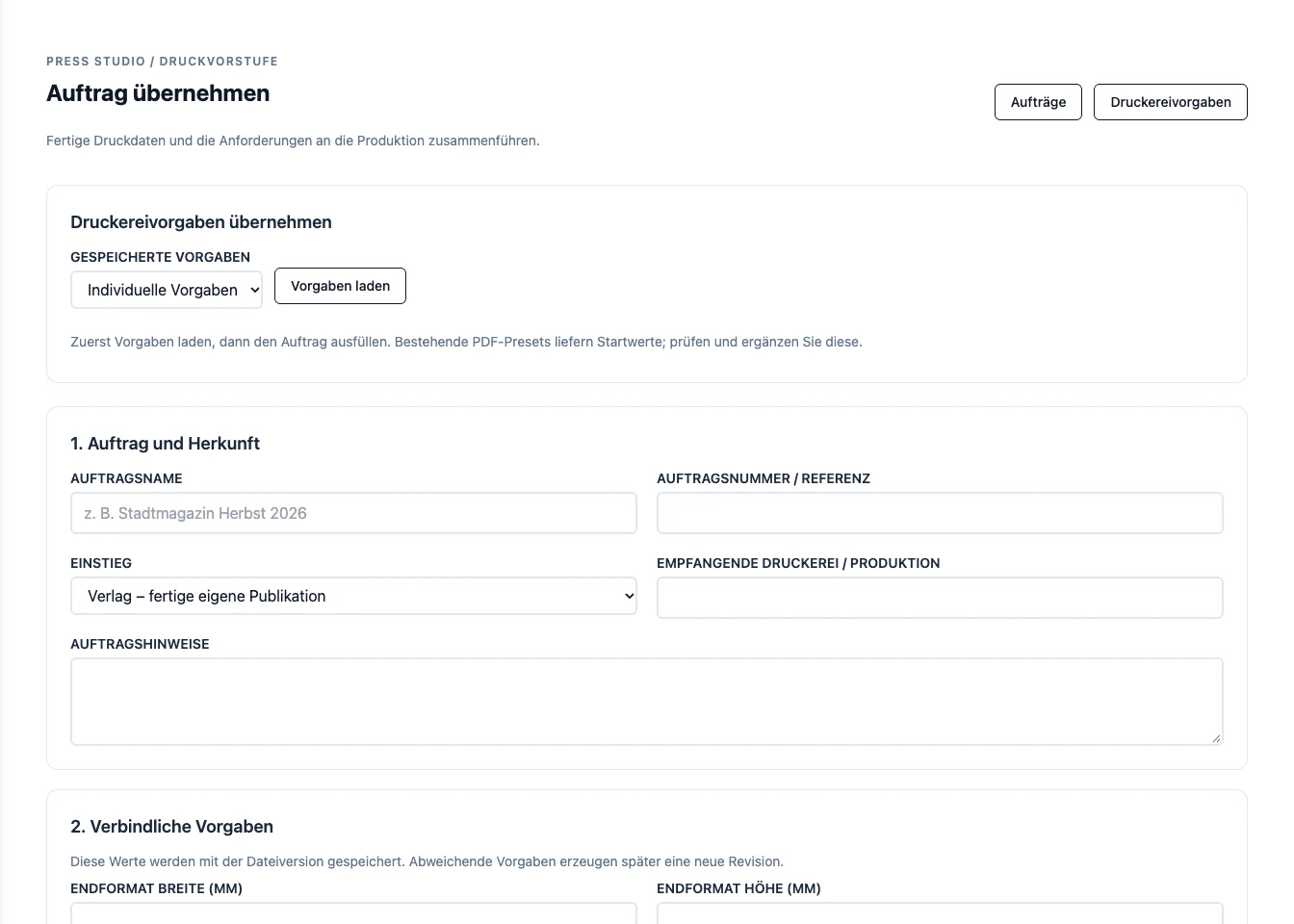
4 min read · 3 steps
Prepare a PDF for print in Prepress
Add the printer's requirements, inspect the PDF, and review it before release.
Read the guideYou can read every guide without an account. The tools available after signing in depend on your account permissions. AI generation uses tokens; arranging your flatplan by hand is free.